

Set it up once. Run the trip from your phone.
You already answer "what time is dinner?" fourteen times a trip. en route puts the answer in every guest's pocket, in the trip's own time, so your phone is free for the things only you can do.
Free to build and try with up to 3 guests.
Bring in the itinerary you already have.
You set up in the hosting team workspace on a computer, where it's easy. Then the trip app on your phone runs the trip.
- Bring it in from a PDF · Word · Excel · a Google Doc or Sheet · a web page · or pasted text
- Or start from the template (Excel or CSV)
- Drag an item to a new time or day on the calendar
- When a time moves, guests see "Changed · was 9:00am"
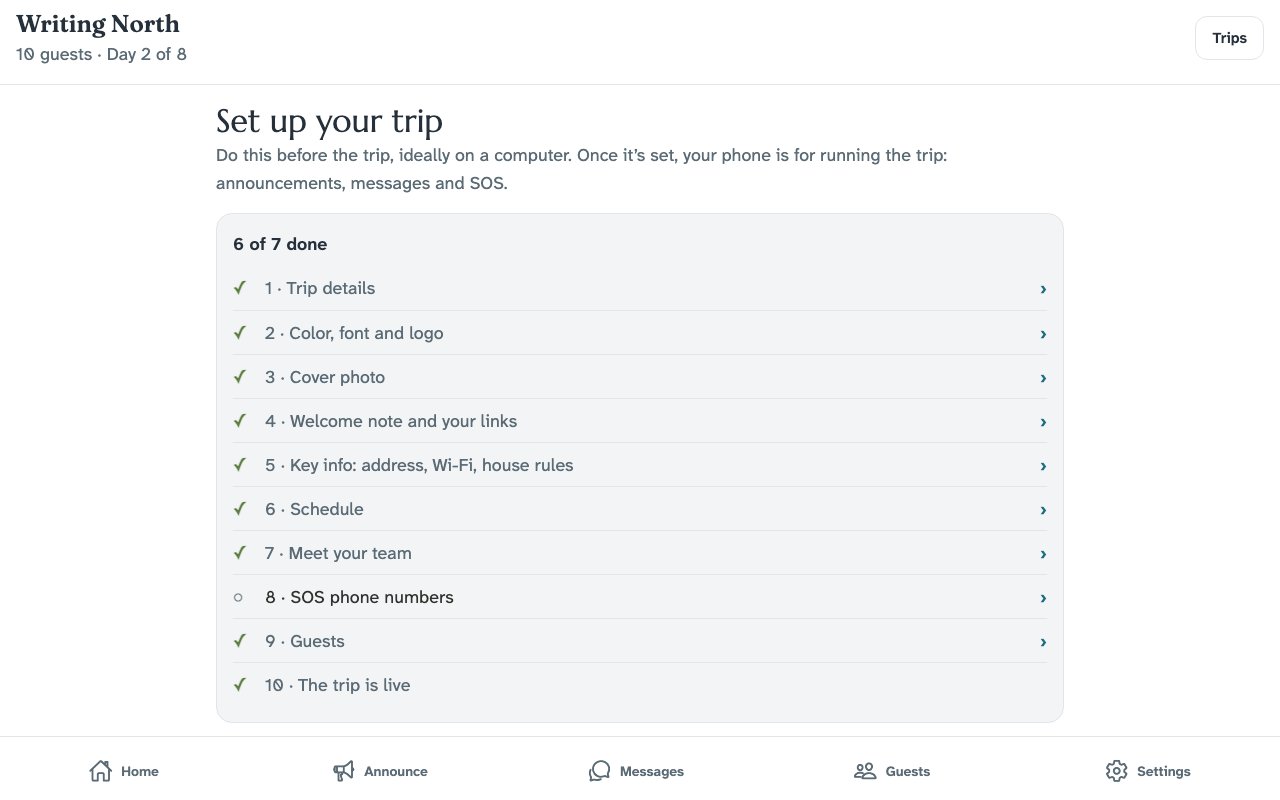
Guests see your trip, not ours.
Your trip name, your colour, your font and your logo sit at the top of every screen. Your cover photo opens the Today screen.
- 17 trip colours, or enter your own. Nothing close to red: red is kept for SOS
- Light or dark text on your colour, so the header stays easy to read
- Six display fonts: Marcellus · Playfair Display · Outfit · Nunito · Oswald · Fraunces
- A welcome note in your words, shown the first time a guest opens the trip
- Add your logo if you have one
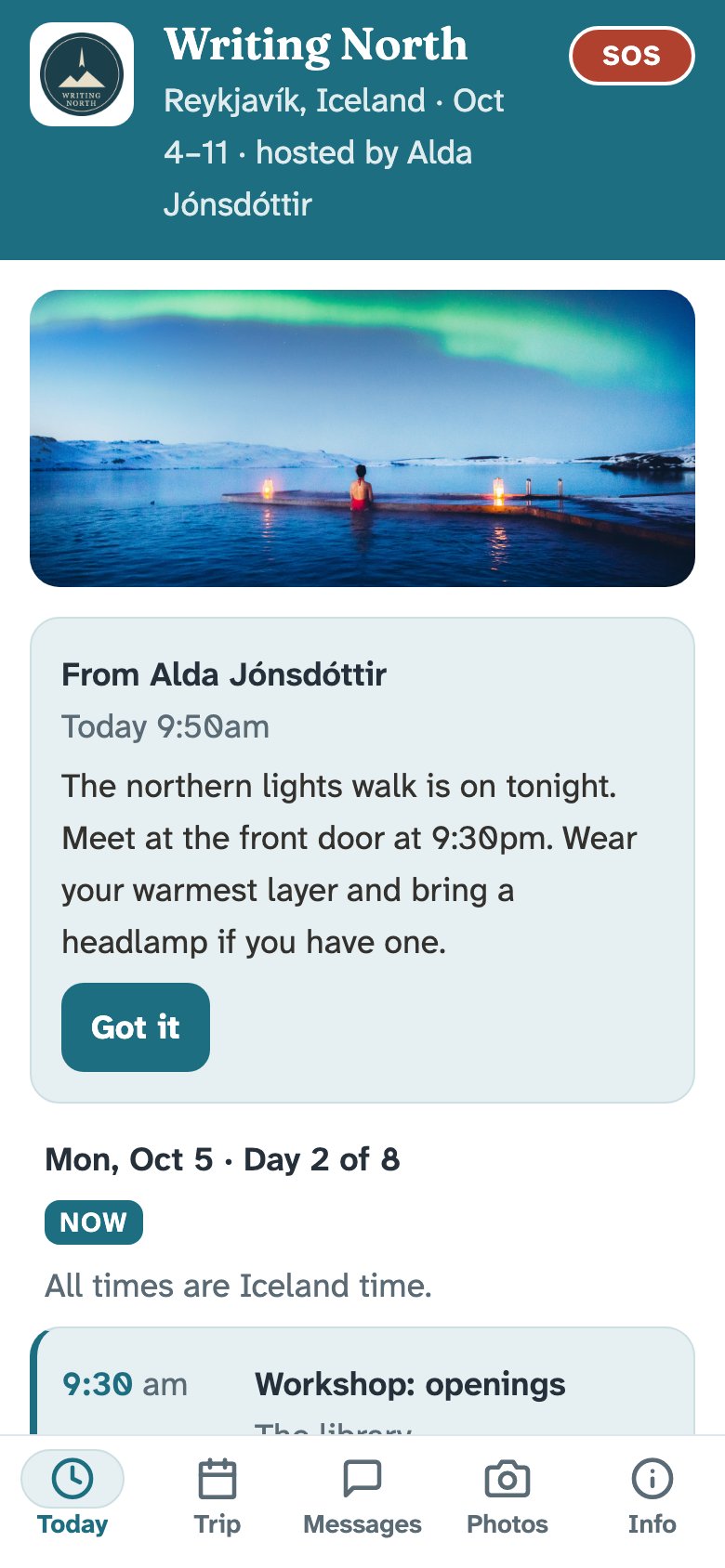
Say it once. See who's seen it.
Send an announcement to everyone. Guests get a notification and tap "Got it". Your home screen shows the count and names everyone who hasn't.
- Move an itinerary item in the same step as the announcement
- Quiet hours, set per trip: private messages wait until morning, SOS still gets through
- One group thread, plus a private line from each guest to you
Coming soon: text the guests who haven't tapped "Got it" (only guests who said yes to texts).
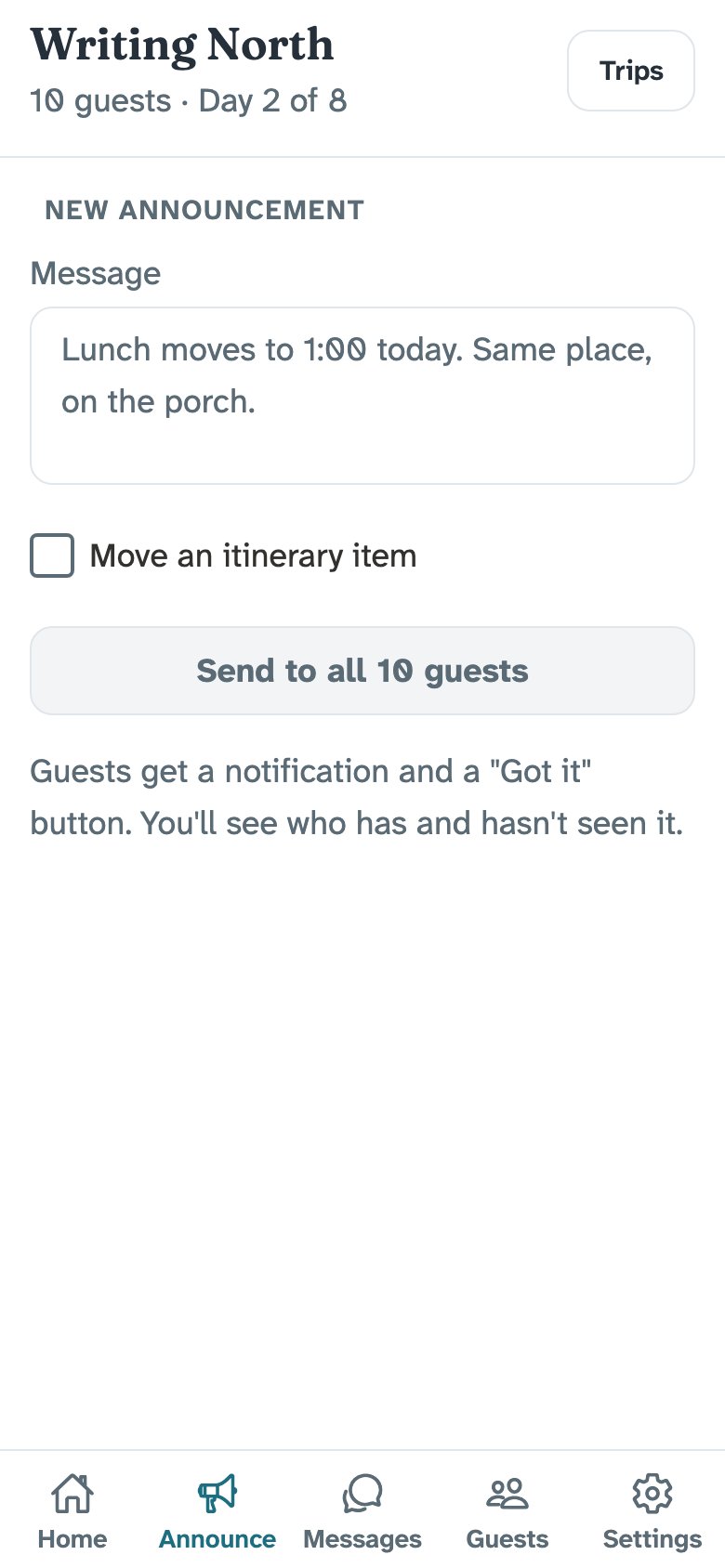
Know who's ready, and who's landing when.
Every guest fills in a short form before the trip. Your home screen shows whose form is still missing. The Guests tab has one board of arrivals and departures, grouped by airport and time.
- Dietary needs and allergies
- An emergency contact
- Getting there and getting home: flight number, airport, time
- Who hasn't answered yet, by name
Live flight status on travel days, with an alert when a guest's flight is delayed, cancelled or diverted.
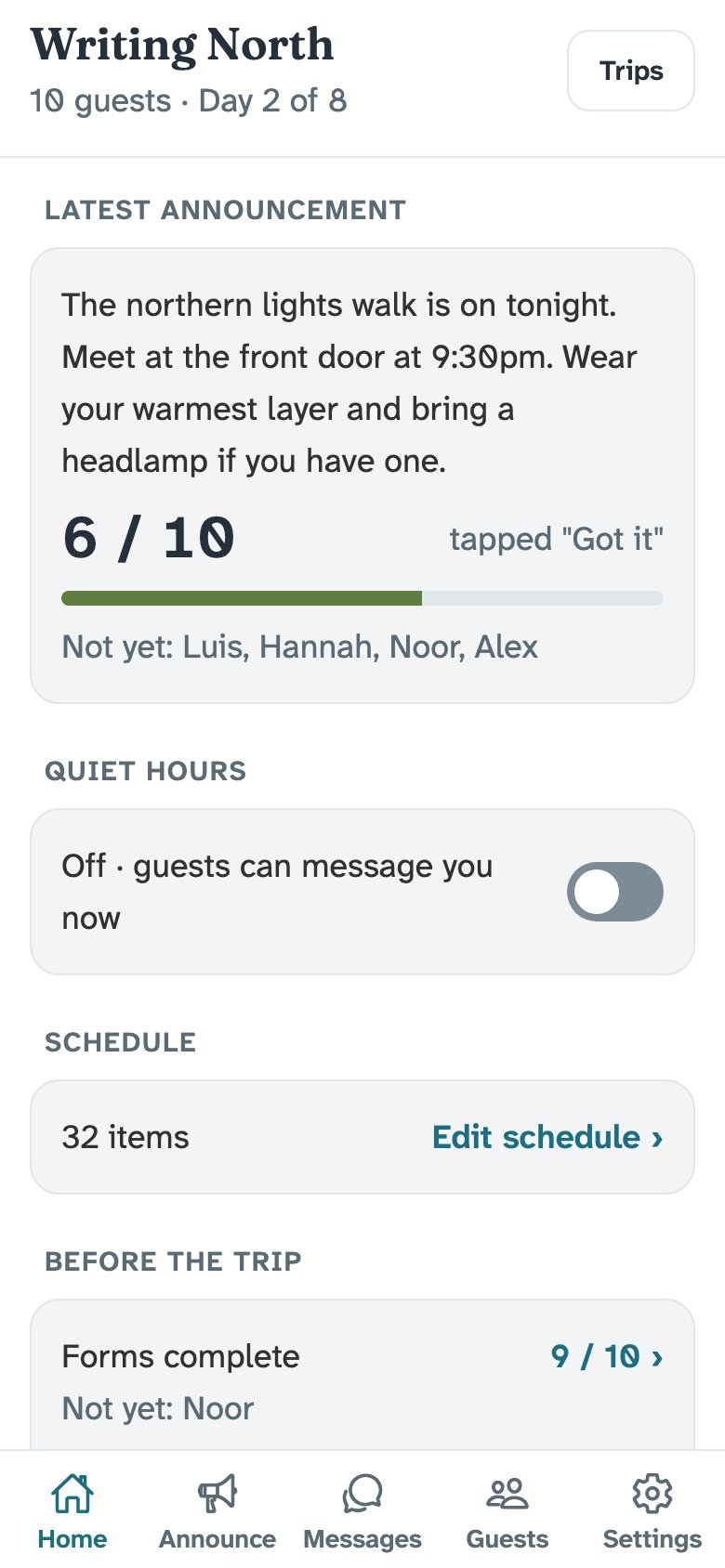
Introduce your people before they arrive.
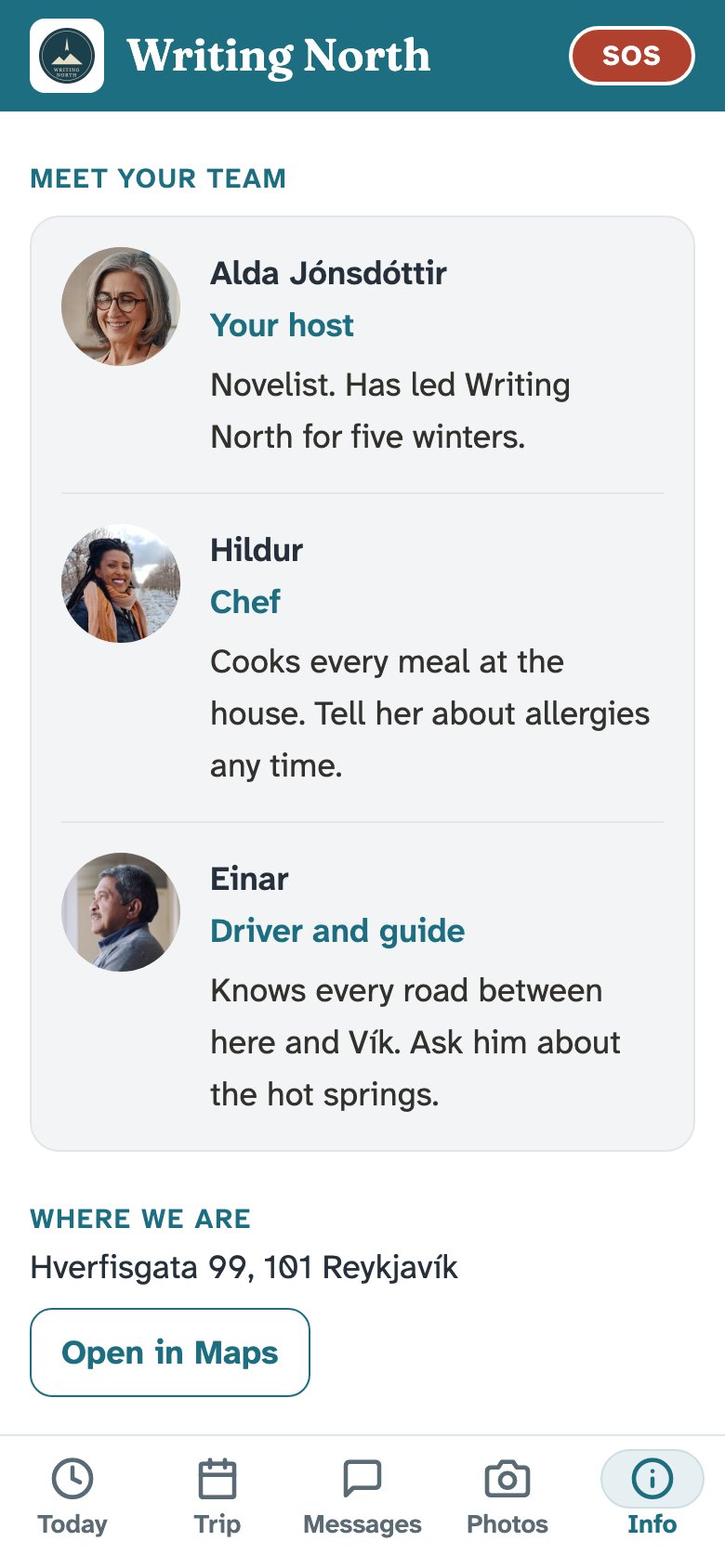
Add co-hosts who can run the trip with you. Add your team with photos, titles and a line about each: the chef, the guide, the teacher.
- Guests know who to ask before they've met anyone
- You choose who an SOS reaches, and in what order
- Guests can see your phone number

Out where the signal drops, the trip still works.
The schedule and key info are saved on every guest's phone. An SOS reaches your phone as an alert, even in quiet hours, and can ring you if you turn calls on. You can be on a hillside at sunrise and still be the host.
SOS, for the urgent stuff.
For the moments a guest needs you, now, but it isn't a 911 call.
Locked out
Locked out of the room or house late at night, or the door code doesn't work.
Water everywhere
A burst pipe, an overflowing toilet, or a leak coming through the ceiling.
Lost or separated
Lost on a hike, separated from the group, or missed the van back.
A guest taps SOS and holds for two seconds, so a phone in a pocket can't send one. Every host gets an alert in the trip app, even in quiet hours. Turn on SOS calls and en route also phones you, then the next host if you don't answer. For fire, a medical emergency or anything life-threatening, guests call the local emergency number first: the app shows it for the trip's country.
And the rest of the trip.
Trips that move
Each day has its own country and time zone. Cruises get days at sea and an "all aboard" time on port days. The emergency number follows the trip.
A shared photo album
Guests add photos to one album for the whole group. Anyone can report a photo, and you can remove it.
A share link
Guests send a read-only schedule to anyone not on the trip. No address, rooms, Wi-Fi or other guests' names.
After the trip
A short "How was it?" card: a star rating, their best moment and what could be better. Guests choose whether you may quote them, and whether to hear about your next trip.
A practice trip
Try everything on a practice trip, and see it the way a guest will, before you set up a real one.
Free to set up
A draft trip takes up to three test guests. You pay when you turn it on for real guests. Pricing
From $149 a trip, up to 8 guests.
About $20 a guest or less. $99 for members of The Hosting Guild. No subscription.